
✦ AI Summary
Table of Content
▲
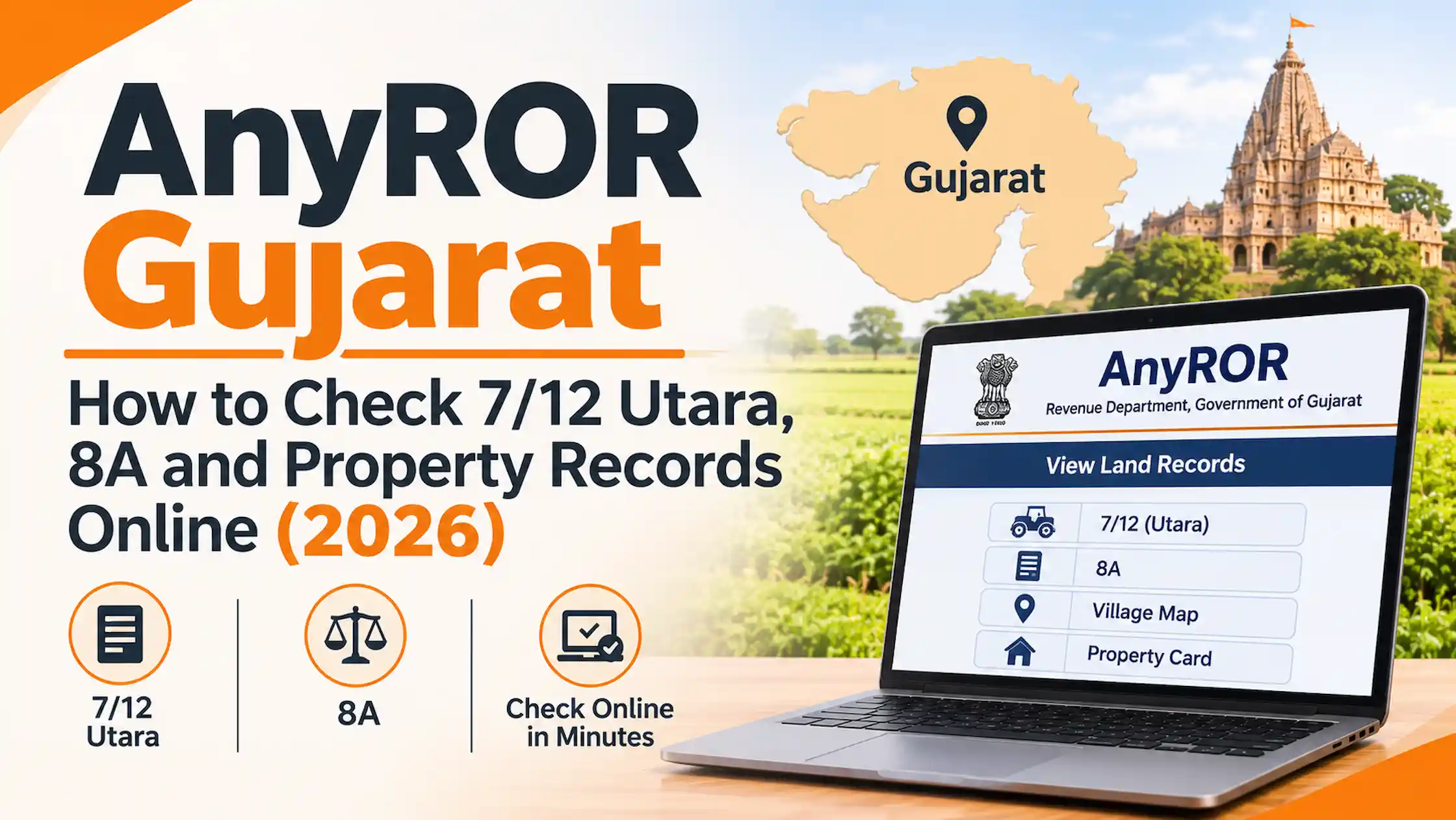
AnyROR, short for “Any Record of Rights Anywhere”, is the Gujarat Revenue Department’s portal for viewing land records online. At anyror.gujarat.gov.in you can view rural land records (7/12, 8A, mutation registers) and urban property cards without visiting a government office. Viewing is free. Two rule changes since mid-2025 make it worth reading these records more carefully: mandatory Aadhaar and mobile linking, and a rewritten 135-D notice system for sales.
AnyROR and e-Dhara: how they fit together
AnyROR is the window. e-Dhara is the engine behind it. e-Dhara Kendras sit at taluka Mamlatdar offices, where mutations are processed and extracts issued, and AnyROR pulls its data from the e-Dhara database. So the portal is only as current as the last e-Dhara update. If a 7/12 still shows the old owner after a sale, the mutation is probably still pending.
7/12, 8A and VF-6: what each record tells you
|
Record |
What it shows |
Use it to |
|
7/12 Utara (VF-7/12) |
Form 7 (survey details) plus Form 12 (cultivation details) |
Check who owns a survey number and what the land is |
|
8A (VF-8A) |
The khata, or account, extract |
See everything held under one owner’s account |
|
VF-6 |
Mutation entries |
Trace how ownership changed hands |
|
Urban property card |
Records for city and town property |
Check an Ahmedabad or Surat flat or plot |
How to check Gujarat land records on AnyROR
- Open anyror.gujarat.gov.in.
- For farmland, choose View Land Record – Rural, then VF-7 Survey No. Details. For city property, choose View Land Record – Urban.
- Select district, taluka and village.
- Enter the survey or block number and the captcha, then submit.
Don’t have the survey number? Use Property Search by owner name, note the survey or khata number, then pull the full 7/12 or 8A. The portal also offers old scanned 7/12 records and a survey-number search by UPIN. Some services ask for a mobile OTP, and menu labels change, so treat these steps as a general path.
Type the address yourself. Look-alike domains show up in search results, and only anyror.gujarat.gov.in is the official portal.
Is the free view enough? Digitally signed RoR explained
For checking, yes. For a bank, a court or a registration, no. Institutions want a digitally signed RoR, a copy of the 7/12, 6 or 8-A certified with e-sign and e-seal, which you can download from the portal’s Digitally Signed RoR section. You can also get a certified counter copy at the e-Dhara Kendra.
One guide puts the online fee at around Rs 15 per record. I couldn’t confirm that on an official page, so check the amount at the payment screen. Order a fresh copy close to the date you need it.
Two changes that affect buyers and owners
Aadhaar and mobile linking. From July 2025, the state made it mandatory to link Aadhaar and mobile numbers for all account holders on a 7/12, through e-Dhara centres. Once linked, changes to the record trigger SMS alerts. For jointly owned land, every co-owner’s number needs to be linked, and an alert goes out if any one of them starts a change, such as an NA conversion. If you own land in Gujarat, do this now. It’s your early warning against a fraudulent entry.
The new 135-D rules. Section 135-D of the Land Revenue Code required a 30-day notice before sale entries were certified. The Gujarat Land Revenue (Amendment) Act, 2026, issued on 23 September 2026, now allows a mutation from a registered sale deed to be certified the same day if three conditions are met:
- the Record of Rights hasn’t changed for a year or more;
- every person named in the record signed the sale deed; and
- no dispute or litigation is pending.
Court and tribunal orders are certified forthwith. The government has also said the notice period for cases needing verification falls from 30 days to seven. That reduction wasn’t in the Act text I reviewed, so confirm it with the Mamlatdar’s office.
What this means in practice: the old 30-day window gave objectors time to speak up. With same-day certification, your own checks matter more. A recent entry on the 7/12 is exactly what pushes a deal into the slower track. For a broader explanation of how a transfer is recorded, see AquireAcres’ guide to property mutation, including the online process, documents and fees.
What to look for on a Gujarat 7/12
- Owner names. They should match the seller, and every co-owner should sign. Under the new 135-D rule, a missing signatory means no same-day certification.
- Tenure. Gujarat records mark land as old, new or restricted tenure. Gujarat High Court cases show disputes over premium demanded for NA use, and sales that later needed regularising. Ask the Mamlatdar’s office or a lawyer to confirm the status before you pay.
- Boja entries. A boja is a charge on the land, such as a loan. Look for active ones.
- Recent VF-6 entries. A mutation in the last year is worth asking about.
- Cultivator details. The Form 12 portion should make sense against the owner’s claim.
What AnyROR can’t settle
A 7/12 is a revenue record, not proof of title. Read it alongside the registered deed chain. If farmland has been converted for housing, lenders also want the NA order. Other revenue services, including NA permission, land measurement and Varsai (inheritance) records, are available through Gujarat’s iORA portal.
Before proceeding with a purchase, use this property title verification checklist to review the ownership history, encumbrances and other documents that a revenue record alone cannot confirm. If the land’s permitted use is unclear how to check land conversion status.
If a record is missing or wrong
“Record not found” often means a wrong district, taluka or village, or an outdated survey number. If the data itself is wrong, or a sale isn’t reflected, go to the taluka’s e-Dhara Kendra with your registered deed and ID. Ask for an application number and track the status through the portal.
The bottom line
Use AnyROR to read the land, a digitally signed copy to prove it, and your own due diligence to question it. Link your Aadhaar and mobile if you own land. If you’re buying, treat a recent entry, a missing co-owner signature or an unclear tenure as a reason to slow down.




Ans 1. It is the Gujarat Revenue Department’s online land records portal. It shows 7/12, 8A, VF-6 entries and urban property cards.
Ans 2. Viewing records is free. Digitally signed copies may carry a small fee, which I couldn’t verify officially.
Ans 3. The 7/12 is the record for a survey number: owner, rights, land details and crops. The 8A is the khata extract, which lists all land under one owner’s account.
Ans 4. Yes, through Property Search. Note the survey or khata number it returns, then open the full record.
Ans 5. The state mandated it for 7/12 account holders in July 2025. It’s done through e-Dhara centres.