
✦ AI Summary
Table of Content
▲
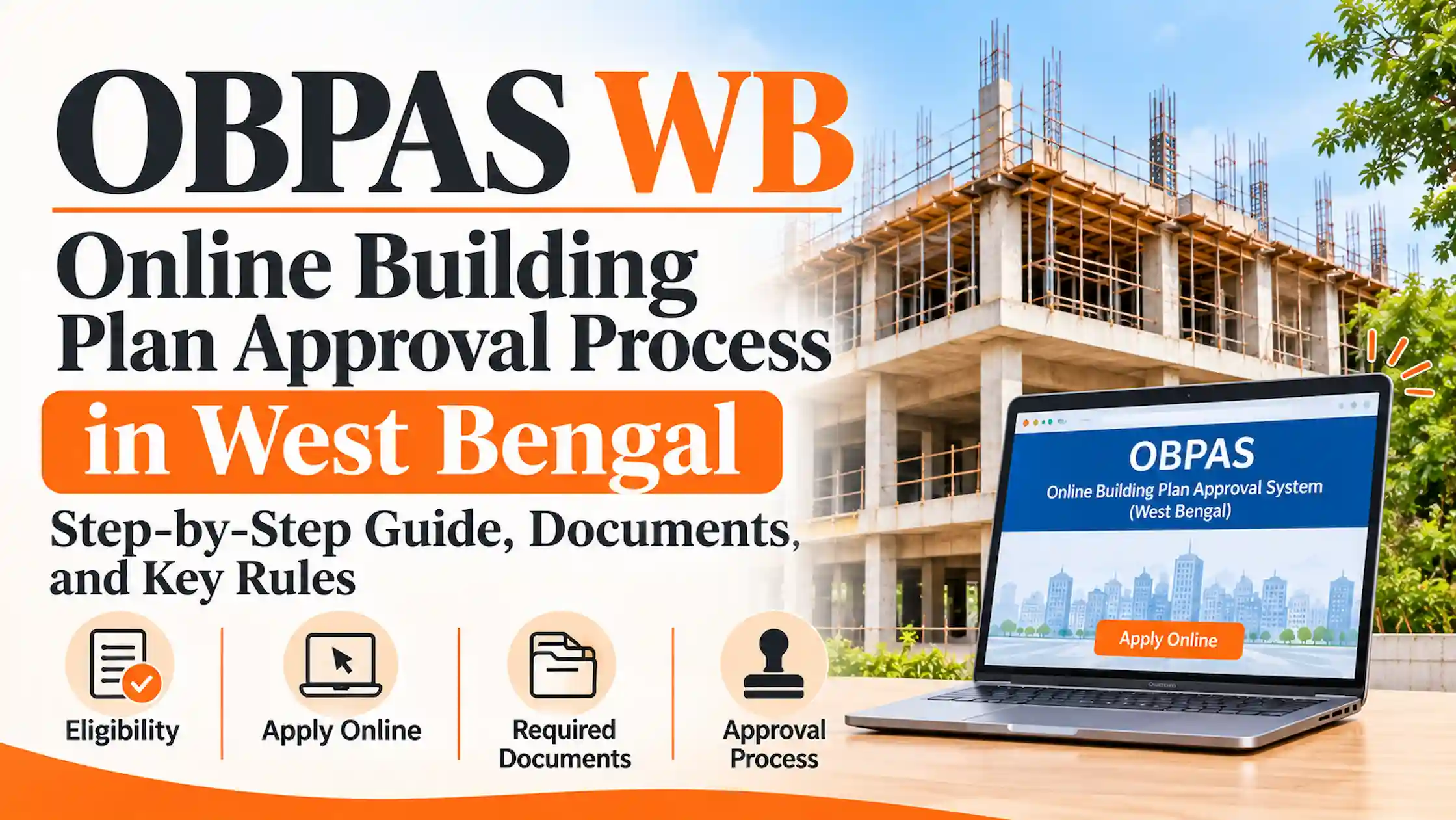
OBPAS WB is the online single window where owners in West Bengal’s urban local bodies apply for building plan sanction without visiting the municipal office for document checks or fee payment. It runs at obpsudma.wb.gov.in under the Department of Urban Development and Municipal Affairs (UD&MA), on a platform the department calls e-Grihanaksha.
Two points catch most first-time applicants. The portal does not cover every plot in the state, and an owner cannot submit the drawings alone. An architect or licensed building surveyor (LBS) empanelled with the local body has to do that part.
What does OBPAS WB let you apply for?
OBPAS stands for Online Building Plan Approval System. The department set it up as a Single Window System for construction permits, so one Common Application Form (CAF) feeds the plan sanction and the clearances linked to it.
You can apply for:
- A new building plan sanction, including resubmission after corrections
- Alteration, addition, and permit renewal or revalidation
- E-intimation of the start of construction
- Plinth-level certification
- An occupancy certificate (full, partial or blockwise), plus water and sewer connections
Approvals are issued as digitally signed documents.
Which plots can use OBPAS WB?
Check this before anything else. The portal serves urban local bodies (ULBs), not the whole state.
|
Plot falls under |
Where to apply |
|
Municipality (Category A, B, C) or municipal corporation under UD&MA |
OBPAS WB. Mandatory since 16 August 2021, per the department’s FAQ |
|
Category D or E municipality |
OBPAS WB. The FAQ calls it optional, while a portal notice announced mandatory use from 16 November 2021. Confirm with your municipality |
|
Howrah Municipal Corporation |
A portal notice from August 2022 announced online sanction of new construction on OBPAS, though the older FAQ excludes it |
|
Kolkata Municipal Corporation |
KMC’s own online sanction system |
|
Gram Panchayat or Panchayat Samiti area |
The Panchayats and Rural Development Department’s online process (gpms.wbprd.gov.in) |
|
Industrial parks of WBIDC, WBIIDC, WBSIDC or WBEIDC |
Each corporation’s own OBPAS portal, built on the same e-Grihanaksha platform |
If you are unsure which body controls your plot, ask the municipality’s building department before registering.
How to apply on OBPAS WB, step by step
The department’s procedure runs to 13 stages. In practice they group into eight.
- Register as a citizen. Open obpsudma.wb.gov.in and fill the registration form: name, mobile number, email ID, preferred username, password and an ID proof. Credentials arrive by SMS and email.
- Log in with your username, password and the on-screen captcha, then click Common Application Form.
- Fill in the CAF: owner details, site details, specifications, and land and building particulars. The department warns that errors can lead to rejection.
- Pick your technical personnel. From your inputs, the system classifies the building as low, medium or high risk. You then choose an LBS or architect, and a structural engineer, geotechnical engineer or structural reviewer where needed, from your municipality’s empanelment list. The list sits under Downloads on the portal.
- Save the form. The system generates an Application Identification Number (AIN). Click Send to consultant.
- Consultant’s work. Your consultant completes the technical fields, prepares the drawings, and uploads NOCs and supporting documents. The architectural drawing (.dwg) goes to the Smart-DCR auto-scrutiny engine, which checks it against the West Bengal Municipal (Building) Rules, 2007.
- Municipality review. After scrutiny the file moves to the municipality automatically. SMS and email alerts carry the AIN and status.
- Pay and download. Pay the demand note online, then download the digitally signed building permit and approved drawing from the application’s detailed view.
Which NOCs and documents are needed?
The supporting-document checklist appears inside your application and changes with the building category and the municipality, so no single list fits every file. Ask your consultant for the list generated for your file.
NOCs follow fixed triggers, according to UD&MA:
- Fire Safety Recommendation: residential buildings without a basement above 15.5 m, residential buildings with a basement of any height, and every non-residential building
- Lift or escalator permission from the Directorate of Electricity: buildings 15.5 m or taller
- Urban Land Ceiling NOC: plots above 500 sq m. The department word this threshold loosely, so confirm the exact cut-off with the competent authority. Use our land area converter to check your plot size in square metres.
- Airports Authority of India height clearance and National Monuments Authority NOC (the latter for sites near centrally protected monuments), where applicable
How do you check OBPAS WB application status?
Log in to your citizen account and open the application list. Each file shows its status against its AIN, for example “Consultant completed, nodal officer action pending”. The AIN is a 20-character alphanumeric number. For plinth-level and occupancy applications you enter the same AIN, and the portal pulls in the earlier sanction’s data.
Avoiding delays and getting help
- Practice on the department’s test site, beta-obpsudma.wb.gov.in, where you can try the process without submitting a real file.
- Drawings with a wrong geometric arrangement are sent back at the precheck stage, so ask your consultant to run it before final submission.
- Choose a consultant empanelled in your own municipality, since each ULB keeps its own list.
- For grievances, log in, click Raise Grievance and submit the form. The municipality is expected to resolve it within six working days.
- Helplines: call centre 1800 345 8251, helpdesk 033 2334 0025, email helpdesk.sws.udma@wb.gov.in.
OBPAS WB works only for plots under the municipalities and corporations that use it.
Confirm the controlling body first, then register and open the Common Application Form.
Your empanelled consultant handles drawings, NOCs and scrutiny.
Pay the demand note online and download the signed permit from your account.



Ans 1. OBPAS stands for Online Building Plan Approval System. The state’s version is run by UD&MA as SWS-OBPAS on the e-Grihanaksha platform.
Ans 2. it has been mandatory since 16 August 2021 for Category A, B and C ULBs and five municipal corporations other than KMC and HMC, and optional for Category D and E. A portal notice announced mandatory use for Category D and E from 16 November 2021. Confirm with your municipality. Panchayat areas are outside it.
Ans 3. Kolkata Municipal Corporation runs its own online sanction process, and the department’s FAQ excludes KMC from OBPAS. KMC announced in 2021 that it would accept only online applications from 1 April.
Ans 4. You start the file as a citizen, but the citizen sends it to the chosen technical personnel, who fill the technical parameters and prepare the drawings. In practice, an empanelled professional is needed.
Ans 5. Yes. Log in and use the Common Application Form for occupancy. If your plan was sanctioned through OBPAS, entering the AIN fetches the earlier data. The FAQ also says water and sewer connections can be requested.
Ans 6. Log in, click Raise Grievance and submit the form. The department says the ULB resolves it within six working days.
Ans 7. Fees are assessed per file and appear as a demand note after scrutiny. The department publishes the building fee schedule on the portal under Fees Structure, so check it for your file.