
✦ AI Summary
Table of Content
▲
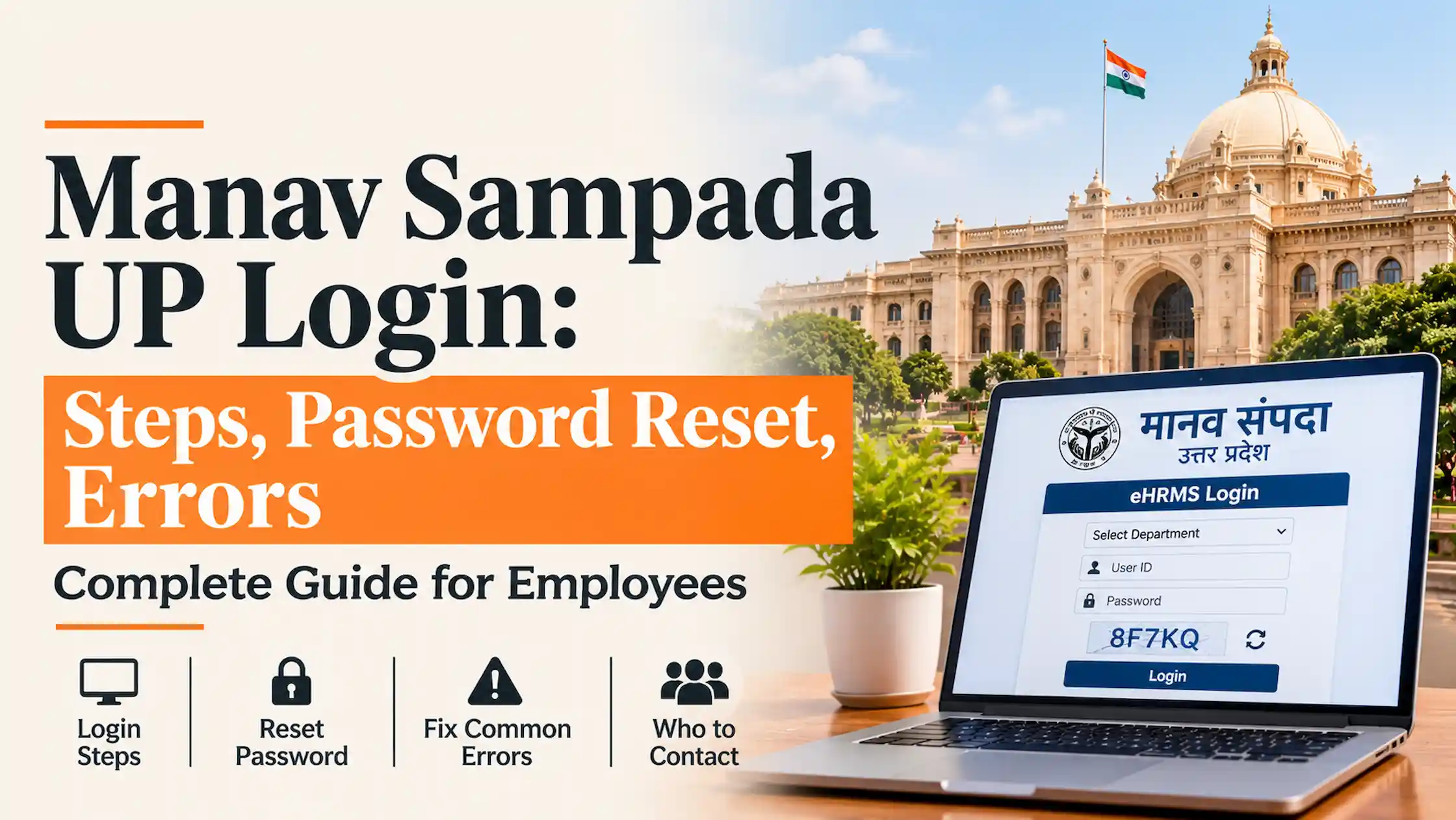
Manav Sampada (मानव संपदा) is the Uttar Pradesh government’s online HR portal, available at ehrms.upsdc.gov.in. State employees sign in by choosing their department, entering the User ID and password issued by their office, and typing the captcha shown on screen.
There is no sign-up form. Accounts are created by the employee’s department, so a new joiner or a transferred employee has to ask the Manav Sampada nodal officer in their establishment office. The portal is built and hosted by the National Informatics Centre’s UP State Centre in Lucknow.
Manav Sampada UP login: step by step
- Type ehrms.upsdc.gov.in in your browser’s address bar.
- Click eHRMS Login. The login form opens as a pop-up on the home page.
- Choose your department from the User Department list.
- Enter your User ID and password.
- Type the captcha and click Login.
After login, your dashboard shows the modules your department has enabled, such as leave, pay slip and service book. Last checked on the portal: [date, to be added by the publishing team].
Where do the User ID and password come from?
From your department. The nodal officer in your establishment office handles account creation and corrections to your record. If you do not have a User ID yet, ask that officer.
Be wary of any website, video or message that claims to reveal or generate your password. Credentials are personal. Do not share your password, or any code sent to your phone, with colleagues, agents or callers.
Forgot password or login not working?
Start with the simplest checks.
|
Problem |
What to try |
If it persists |
|
Details rejected |
Re-select your department, check caps lock, retype the password |
Ask the nodal officer to check your account |
|
Forgot password |
Use the Forgot Password option on the login pop-up |
Nodal officer |
|
Captcha rejected |
Refresh the captcha and type the new text |
Try another browser |
|
Page will not load or looks broken |
Clear the cache, try another current browser, try again later |
Email NIC technical support (see below) |
|
No User ID yet |
Ask the nodal officer |
None |
|
Wrong details in your record |
Give the nodal officer a written request with proof |
None |
How to confirm you are on the official portal
The official address is ehrms.upsdc.gov.in. Type it yourself rather than clicking a search ad or a forwarded link, since look-alike sites exist. Never enter your credentials on a page you reached that way. Housing.com’s guide notes that NIC’s national eHRMS site also links through to the UP portal.
What you can do after logging in
- Leave: Open the Leave module, pick the leave type and dates, add the reason and submit. Your reporting officer approves or rejects it on the portal.
- Pay slip: Open Salary Details or Pay Slip, choose the month and year, then download or print. If a slip is missing, ask your Drawing and Disbursing Officer (DDO).
- E-service book: Check personal details, postings, promotions and nominations at least once a year. A wrong entry follows you into promotions and retirement records.
- Property return: See the next section.
Property return on Manav Sampada: what happened in 2026
Uploading details of movable and immovable property became the most talked-about task on the portal in 2026. Reports say an order issued on 24 November 2025 required all state employees to do so under Rule 24 of the Uttar Pradesh Government Servants’ Conduct Rules, 1956.
|
Date |
What was reported |
|
24 Nov 2025 |
Government order requiring property details on Manav Sampada under Rule 24 (Amar Ujala) |
|
31 Jan 2026 |
Deadline for assets acquired up to 31 Dec 2025 (Patrika, Ranbheri) |
|
Early Feb 2026 |
January salary withheld for more than 68,000 employees who had not uploaded details (ETV Bharat) |
|
26 Feb to 10 Mar 2026 |
Final window for 47,816 employees who still had not filed, with January and February salary to be released for those who did (Amar Ujala) |
Deadlines change from year to year. Check the Government Orders section of the portal for the current one. This is not legal advice: what must be declared is set by the Conduct Rules and the order in force, so ask your department if unsure.
To fill the form without delay, keep your sale deed, registry papers and latest mutation (dakhil kharij) record within reach.
Using your pay slips for a home loan
Banks ask for recent salary slips, so download yours from the portal each month. Lender policies on tenure and income multiples differ for government employees, so ask the bank. For the basic arithmetic, see how lenders work out home loan eligibility from salary.
Who to contact for what
|
Issue |
Who to contact |
|
Technical error, site not loading |
NIC technical support at ehrms-up@gov.in (listed on the portal’s Contact Us page, as reported by guides) |
|
Account, password, wrong record |
Manav Sampada nodal officer in your office |
|
Pay slip missing |
Your DDO |
Some websites print helpline numbers. This article does not, because none could be confirmed. Check the portal’s Contact Us page before calling any number you find online.
Before the next deadline
Bookmark the address you typed yourself, review your e-service book once a year, and watch the Government Orders section toward year-end. The 2026 property return deadlines followed an order issued the previous November.




Ans 1. The portal is at ehrms.upsdc.gov.in, built and hosted by NIC’s UP State Centre in Lucknow. Type the address yourself to avoid look-alike sites.
Ans 2. No sign-up form is reported. Your department creates the account, so ask the nodal officer in your establishment office.
Ans 3. Re-select your department, retype the password and refresh the captcha. If it still fails, the nodal officer can check the account, and NIC handles technical errors.
Ans 4. NIC’s technical support email, ehrms-up@gov-in format as listed on the portal’s Contact Us page. Check the page for the current address.
Ans 5. Employees had to upload details of assets acquired up to 31 December 2025 by 31 January 2026. Reports say non-filers got a final window until 10 March 2026. Check Government Orders for the current deadline.