
✦ AI Summary
Table of Content
▲- What Does an Encumbrance Certificate Show?
- How to Get an Encumbrance Certificate Online: Step by Step
- Which Portal Should You Use?
- Maharashtra and Other States: Why the Process Differs
- How to Read an Encumbrance Certificate
- What an Encumbrance Certificate Will Not Tell You
- Does an Encumbrance Certificate Expire?
- Mistakes to Avoid When Applying for an EC
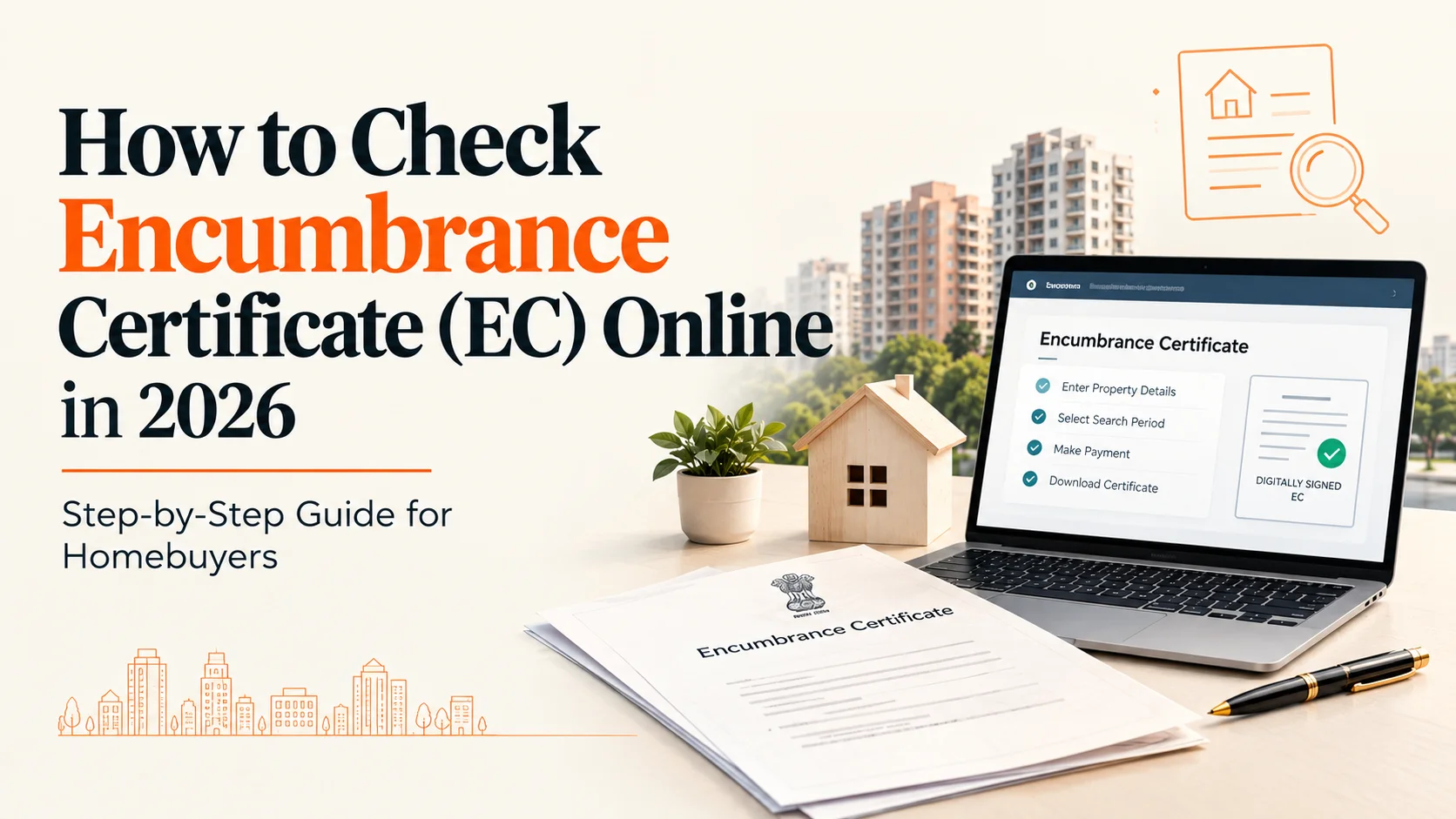
You can get an encumbrance certificate online in many states, particularly in southern India. The usual process involves logging in to the state registration portal, entering the property's details, selecting a search period, paying the applicable fee and downloading the certificate once it is generated. Karnataka, for example, provides a reference number and a digitally signed EC. Maharashtra follows a different process, which can make the search less straightforward.
An encumbrance certificate (EC) helps homebuyers check whether registered transactions, mortgages or other charges have been recorded against a property. However, it is only one part of property due diligence. Before proceeding with a purchase, buyers should also follow a property title verification checklist to examine ownership records and other potential risks.
This guide covers how to get an encumbrance certificate online, which state portal to use, how to read the result and what the certificate cannot establish.
What Does an Encumbrance Certificate Show?
An EC is an extract of registered transactions maintained by the relevant registration department. Depending on the state and the search period, it may show documents such as registered sale deeds, mortgages and other recorded transactions affecting the property.
In Karnataka and Kerala, an EC containing entries is commonly referred to as Form 15, while a nil certificate is known as Form 16. The terminology and process may differ across states.
Lenders commonly ask for an EC during property and home-loan checks. For a buyer, it can help establish whether a registered mortgage or earlier transaction appears in the records. If the seller claims that an earlier home loan has been repaid, the buyer should check whether the relevant mortgage release is also reflected in the records.
How to Get an Encumbrance Certificate Online: Step by Step
1. Confirm Where the Property Is Registered
Apply through the registration department responsible for the area where the property is located. The relevant sub-registrar office and portal depend on the property's location and registration jurisdiction.
2. Collect the Property Details
Keep the relevant property information ready before beginning the search. Depending on the state and property type, you may need:
- Survey number and sub-division number
- Village and taluk
- District and sub-registrar office
- Door number and locality for urban properties
- Relevant registered document details, if available
Tamil Nadu, for example, uses details such as the survey number, sub-division, village and taluk for property searches.
3. Open the Official State Portal
Visit the registration department's official website and locate its EC or property-search service. Confirm that you are using the government portal rather than a private website offering application assistance.
4. Register and Log In
Some state portals require a citizen account before you can apply. You may need an email address, mobile number or one-time password (OTP) for verification.
Tamil Nadu and Kerala, for example, have online registration and verification procedures for their respective services.
5. Select the EC Service
Choose the relevant district and sub-registrar office, then enter the requested property details. Make sure the information matches the registered property documents.
6. Select the Search Period
A search covering 30 years is commonly recommended for property due diligence. However, the appropriate period depends on the property's history and the availability of older records.
Where possible, check back to the earliest relevant registered deed rather than relying only on a short search period.
7. Pay the Fee and Download the Certificate
Pay the applicable fee through the official portal. Save the application or reference number and download the certificate once it is generated.
Check whether the downloaded document is digitally signed or otherwise verifiable through the relevant registration department.
Which Portal Should You Use?
The following table identifies the registration portals commonly used for EC-related services. Available features and procedures may change, so confirm the current service on the official state website.
|
State |
Portal |
What to Know |
|
Tamil Nadu |
Register an account, select the EC service and enter the property details. |
|
|
Karnataka |
The process uses property and registration-office details; a reference number may be issued. |
|
|
Kerala |
Kerala Registration Department's PEARL portal |
Mobile verification and online EC services are available, subject to the portal's requirements. |
|
Telangana |
Check the current EC service and relevant land-record system for the property. |
|
|
Andhra Pradesh |
Check the available online services for the property's registration jurisdiction. |
|
|
Maharashtra |
E-Search and Index II are important resources for searching registered documents. |
Maharashtra and Other States: Why the Process Differs
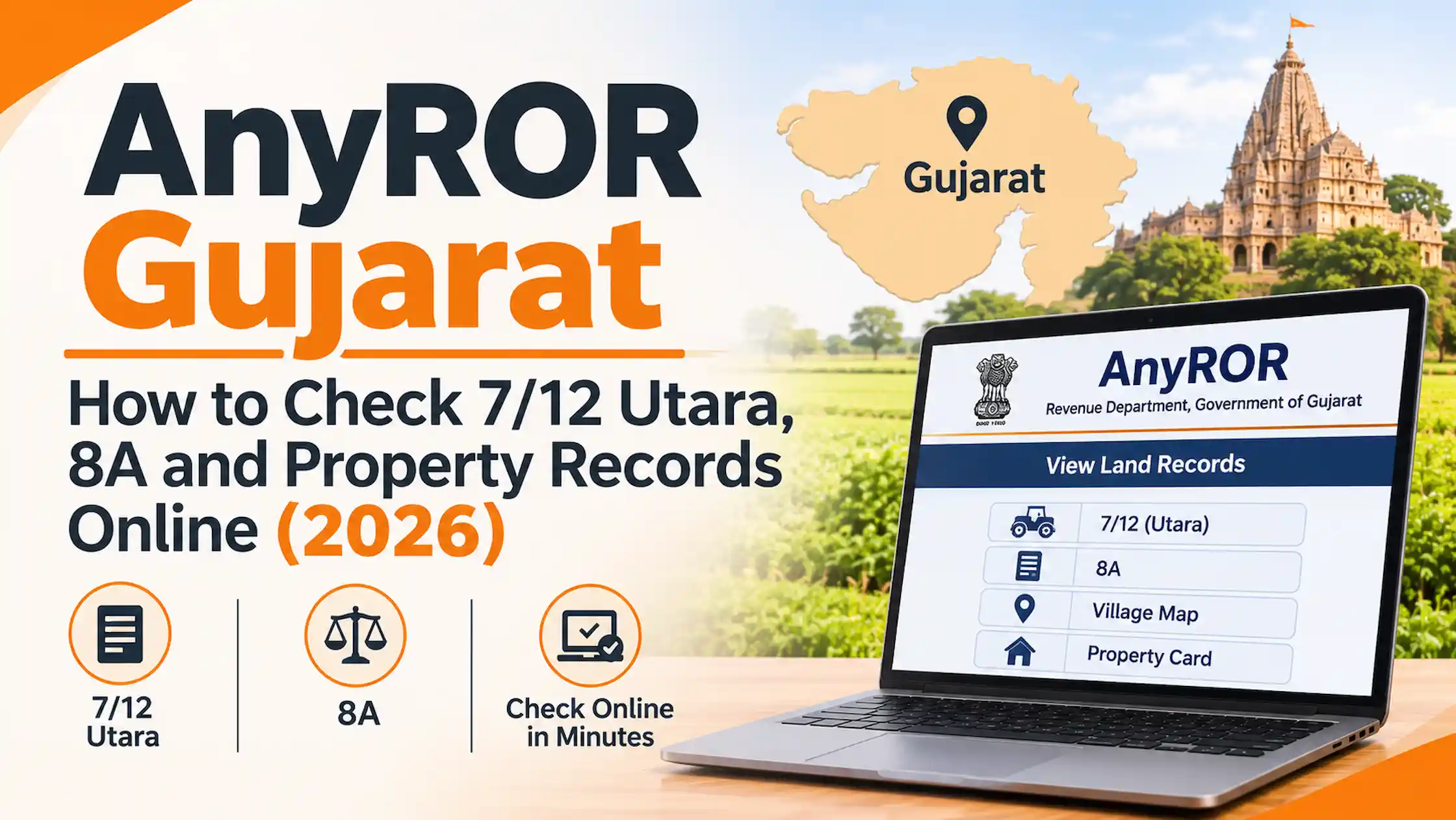
Maharashtra does not follow precisely the same EC process used in several southern states. Buyers commonly use the IGR e-Search facility and Index II to examine registered documents. The availability of a formally issued EC and the documents accepted for a particular transaction can depend on the service and requirements involved.
Index II records details of a registered document. However, finding a document through Index II does not, by itself, establish that the property is free from all encumbrances.
Buyers should also consider a property-based search using the relevant survey or CTS number. Searching only by the document number of the seller's sale deed may not reveal every relevant entry associated with the property.
If the bank or lawyer handling the transaction requires a particular certificate or search report, confirm the acceptable document before relying on an online result.
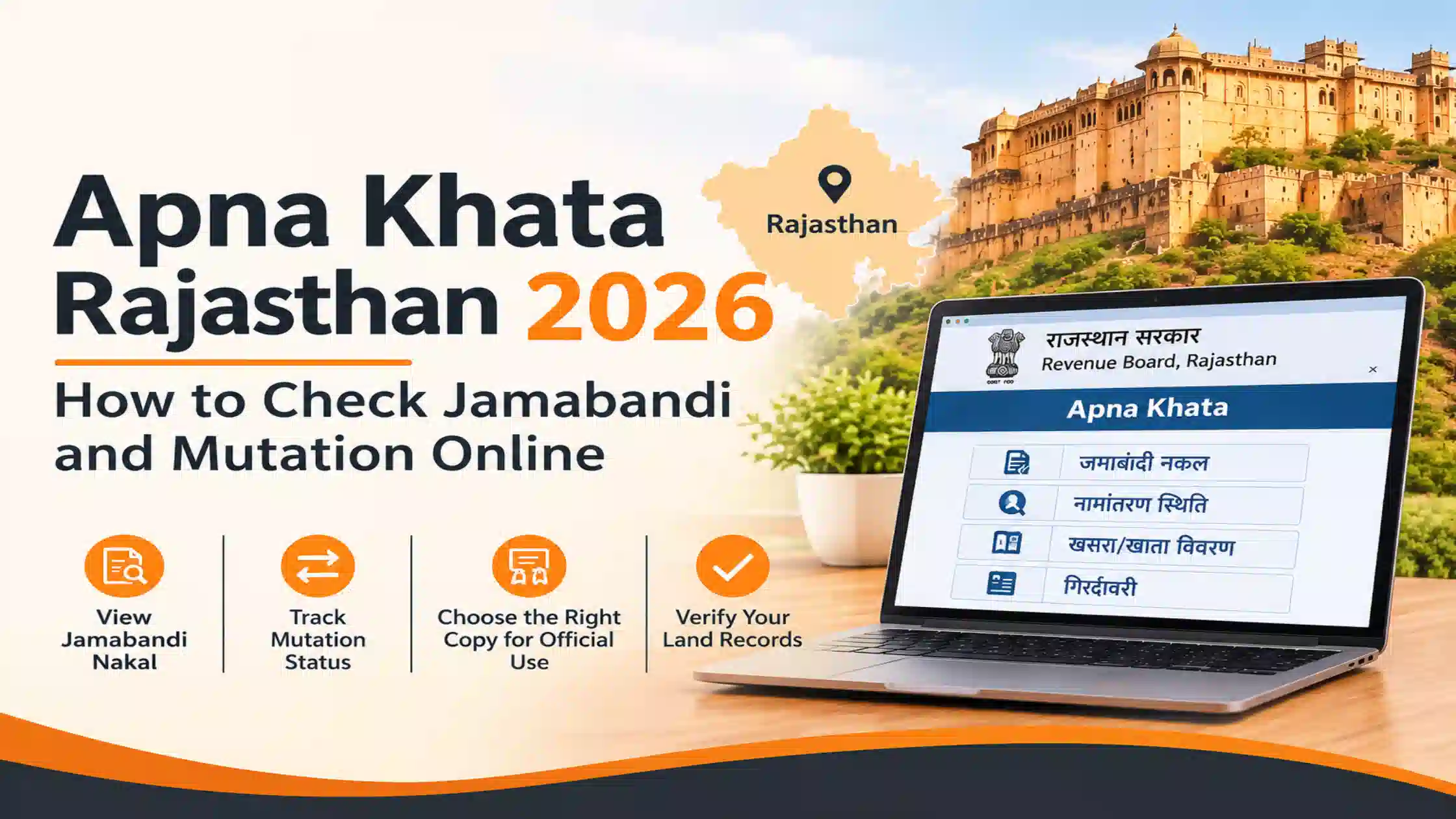
In other states, the online process and available records vary. Check the relevant state registration department's website or contact the sub-registrar office if the required service is unavailable online.
How to Read an Encumbrance Certificate
Downloading the EC is only the first step. The entries need to be checked against the property's documents and transaction history.
- Names: Check whether the seller's name and the ownership chain match the available registered deeds.
- Property description: Verify the survey number, extent, boundaries and other identifying details against the sale deed.
- Search period: Confirm that the EC covers the period required for your due diligence, ideally extending to the earliest relevant registered deed.
- Mortgage entries: Look for registered mortgage transactions and check whether a corresponding release or discharge entry appears.
- Nil certificate: A nil result means that no relevant registered entries were found for the period and property details searched. It does not automatically establish that the property has no legal or financial issues.
Consider this example: a registered sale deed from 2014 records the property in the seller's name. A 2019 entry shows a mortgage in favour of a bank, but no subsequent release entry appears in the EC.
The buyer should not assume that the mortgage has been cleared simply because the seller says the loan is repaid. Ask for confirmation from the lender and establish what further documentation is needed before paying a token amount.
If the loan has been closed, the seller should also check the documents to collect after home loan closure, including the relevant closure confirmation and mortgage-release paperwork where applicable.
What an Encumbrance Certificate Will Not Tell You
An EC reflects registered documents available in the records searched. It is not a complete report of every possible claim, liability or dispute involving a property.
Depending on the circumstances, it may not reveal:
- Unregistered agreements or arrangements
- Pending court cases that have not resulted in a recorded entry
- Unpaid property taxes
- Outstanding housing society maintenance dues
- Every possible ownership or title defect
A result can also be incomplete if the application uses an incorrect survey number, property description or search period.
For this reason, buyers should review the documents required to buy a property in India alongside the EC. Depending on the property, this may include the registered sale deed chain, relevant revenue records, RERA details for a new project and a society or maintenance no-dues certificate for a resale apartment.
Does an Encumbrance Certificate Expire?
An EC does not have a universal fixed expiry date. However, it only reflects records available up to the date covered by the search.
A certificate obtained several months before registration may not show a later transaction. Buyers should therefore obtain an updated EC close to the transaction date and confirm that the search covers the correct property and period.
Mistakes to Avoid When Applying for an EC
Paying an Unofficial Website
Some websites provide information or assistance but are not government registration portals. Verify the website before entering personal information or making a payment. Use the official portal for the relevant state wherever the service is available online.
Entering Incorrect Property Details
A wrong survey number or incomplete property description can produce a result that does not relate to the intended property. Cross-check the details against the registered documents before submitting the search.
Choosing a Search Period That Is Too Short
A clean EC covering only a few years may not reveal older registered transactions. Choose a period appropriate to the property's history and your legal due diligence.
Relying on Outdated Portal Instructions
Registration services and land-record systems can change. Check the current state department's website rather than relying entirely on older third-party instructions.
Treating a Nil EC as Proof of Clear Title
A nil certificate only means that no relevant entries were found for the details and period searched. It should not be treated as a guarantee that the property has no title defects, disputes or outstanding liabilities.
The practical approach is to obtain the EC early, verify every relevant entry and match mortgage entries with the appropriate release documents. Get an updated search before registration and seek legal advice if the records are inconsistent or incomplete.


_1793601115.webp)



Ans 1. Digitally signed certificates downloaded from the state portal are generally accepted, but confirm with your bank before relying on one. In Maharashtra, ask which document your lender wants.
Ans 2. It means no registered transactions were found for the property in the period searched. In Karnataka and Kerala it is called Form 16.
Ans 3. In Kerala, NRIs can apply through the PEARL portal. For other states, check the portal's registration options.
Ans 4. No fixed expiry applies, but it only covers transactions up to the search date. Refresh it before registration.
Ans 5. No. It has to come from the state and sub-registrar office where the property is registered.
Ans 6. Index II records the details of a registered document. It does not by itself show that a property is free of encumbrances. Treat it as a starting point, not a replacement for a proper search.
Ans 7. It shows registered mortgages. A loan secured without a registered mortgage entry may not appear, so ask the seller for a loan closure letter as well.