
✦ AI Summary
Table of Content
▲- What Is a Smart Plug?
- Why Are Smart Plugs Becoming Popular?
- How to Control Your AC Using a Smart Plug
- How to Control Your Geyser Using a Smart Plug
- Smart Plug vs Traditional Switch
- Features to Look for When Buying a Smart Plug
- Can Smart Plugs Help Reduce Electricity Bills?
- Common Mistakes to Avoid
- Is a Smart Plug Worth It for Indian Homes?
- Conclusion
Imagine returning home after a long day and switching on your air conditioner before you even enter the house. Or turning on your geyser from bed so that hot water is ready when you wake up. What once seemed like a luxury is now possible with a simple smart plug.
People are using smart plugs to operate their everyday appliances using technology that is becoming available at a lower price point as smart homes become more affordable in India. These small boxes can turn any normal electrical device into an intelligent device without needing special wiring or installing a home automation system. This article will provide all the information you will need to control your appliances such as A/C, Genzra, and others with your mobile device.
What Is a Smart Plug?
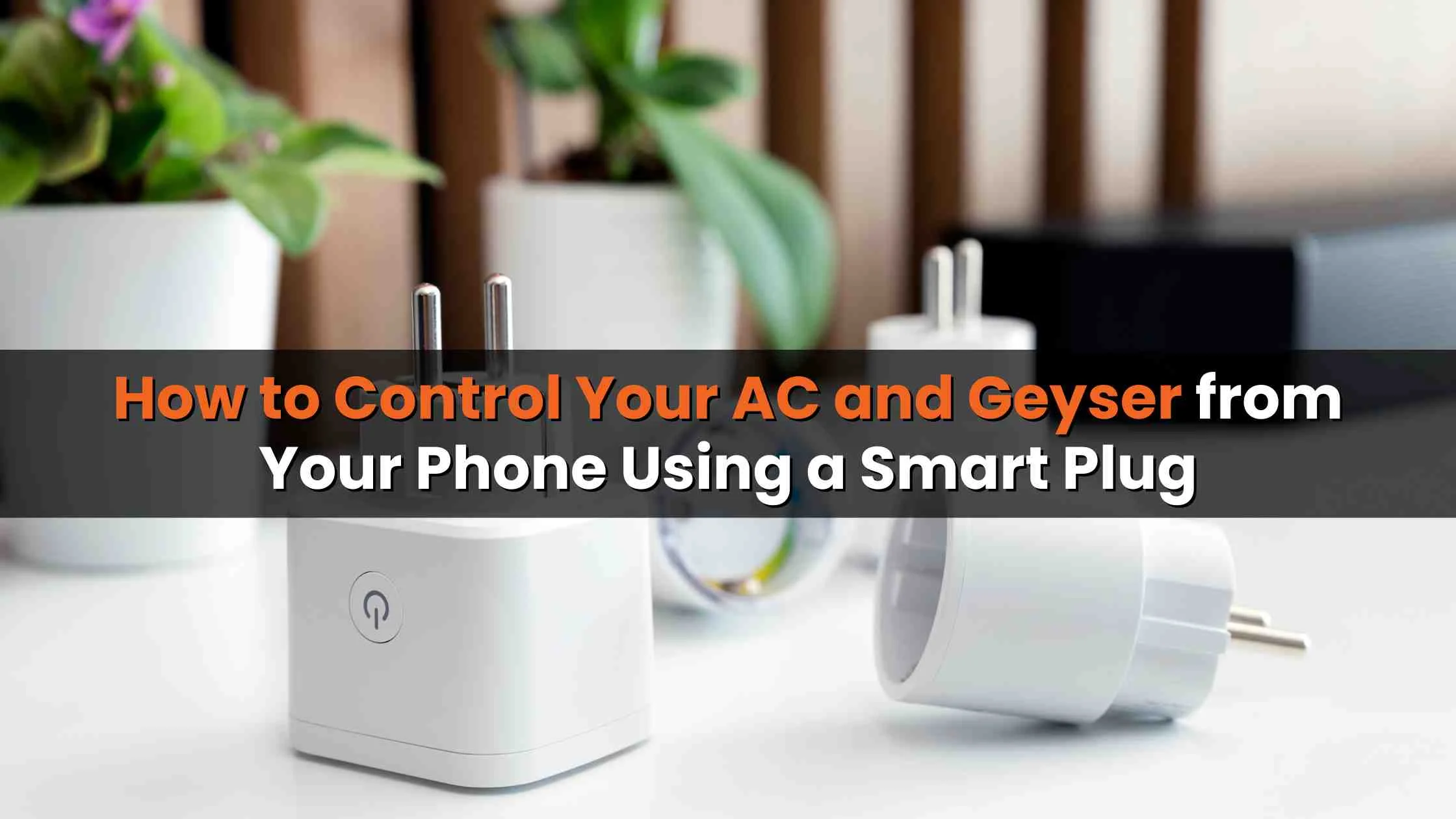
Smart plugs are devices that allow you to connect to a regular electrical outlet via WiFi. An electronic device plugged into a smart plug receives power through the smart plug, and it communicates with a mobile device via an app. This allows for remote turning on/off of the appliance (or device) through the smart plug from any location with internet access. In simple terms, the smart plug is the interface between your mobile device and the appliance being used.
Using a smart plug doesn't actually make an electronic device smart (so there is no adding of any features to make it smart); however, connecting the device to a smart plug makes it so the device can be turned on/off from anywhere there is internet access. Thus, the introduction of this new technology will considerably change the way we currently use appliances, giving them new significance.
Common Appliances That Work with Smart Plugs
Smart plugs work with almost any appliance that runs on a standard plug. That said, some devices benefit from this setup far more than others, particularly those that are high on electricity consumption or ones you frequently forget to switch off.
- Geysers
- Air conditioners
- Water pumps
- Electric kettles
- Coffee makers
- Air purifiers
- Table lamps
- Room heaters
- Televisions
- Charging stations
Many homeowners start with a geyser or AC because these appliances consume significant electricity and benefit most from scheduled operation.
Also Read: Smart Home Security Alarm Systems with Mobile App Control and Alerts
Why Are Smart Plugs Becoming Popular?
It's not about being tech-savvy anymore; it's also about the higher cost of electricity and having convenience. When you use conventional electrical switches, there is no way to know how much an electric device is drawing power, or if you left it on by accident. Smart electrical outlets have changed this paradigm.
What makes them especially appealing:
- Remote on/off from anywhere – no more turning back home to switch off the geyser
- Scheduling – set appliances to run only when needed, not all day
- Energy monitoring – many models show real-time consumption data
- Voice control – compatible with Amazon Alexa and Google Assistant
- No complex installation – plug and play, literally
- Works with your existing appliances – no need to replace anything
For households trying to reduce electricity costs without buying new energy-rated appliances, smart plugs offer a practical alternative.
How to Control Your AC Using a Smart Plug
Air conditioners typically account for 40–50% of household electricity consumption during summer months. Even a modest improvement in how you manage its operation can reflect noticeably on your bill.
Step 1: Check Power Rating
Before you go ahead and purchase a smart plug, make sure it can actually handle the electrical load of your AC and not just the small stuff. A lot of standard smart plugs only support limited power, so they’re on the light side. The heavy-duty models on the other hand are meant for those high-consumption appliances, you know, the ones that draw more.
Step 2: Install the Smart Plug
- Plug the smart plug into the wall socket.
- Connect the AC power plug to the smart plug.
- Turn on the power supply.
Step 3: Connect to WiFi
Most smart plugs connect through:
- 2.4 GHz WiFi networks
- Mobile applications provided by the manufacturer
Step 4: Pair with Your Smartphone
Download the compatible app and complete device pairing. Once connected, you can:
- Turn the AC on or off remotely
- Create schedules
- Monitor usage
- Automate operations
Practical Example
You can schedule your AC to switch on 15 minutes before arriving home, ensuring a comfortable room temperature while avoiding unnecessary electricity consumption throughout the day.
How to Control Your Geyser Using a Smart Plug
A geyser left on for two hours longer than needed can waste a considerable amount of electricity over the course of a month. Most people don't realise this because the switch is in the bathroom and easy to forget.
Step 1: Verify Load Capacity
Most geysers require higher-capacity smart plugs. Always check the wattage rating before installation.
Step 2: Connect the Device
- Insert the smart plug into the socket.
- Plug the geyser into the smart plug.
- Switch on the main power.
Step 3: Configure Through App
After pairing the device:
- Set heating schedules
- Turn the geyser on remotely
- Switch it off automatically
- Monitor operational patterns
Practical Example
You can schedule the geyser to start heating water every morning at 6:30 AM and automatically switch off after 20 minutes. This saves both time and electricity.
Smart Plug vs Traditional Switch
|
Feature |
Smart Plug |
Traditional Switch |
|
Remote Access |
Yes |
No |
|
Mobile Control |
Yes |
No |
|
Scheduling |
Yes |
No |
|
Energy Monitoring |
Available in many models |
No |
|
Voice Control |
Yes |
No |
|
Automation |
Yes |
No |
|
Installation Complexity |
Easy |
Basic |
|
Smart Home Integration |
Yes |
No |
For homeowners who want convenience and energy savings, smart plugs offer way more functions than the regular switches do, honestly they’re kind of like an extra layer of control that you don’t get before . You can set schedules, manage them remotely, and use voice commands in some setups, so instead of just on or off, it’s more like adaptive power.
Also Read: Artificial Intelligence in Home Interiors: Can It Cut Costs by 10% and Timelines by 80%?
Features to Look for When Buying a Smart Plug
Not all smart plugs are designed for high-power appliances. Before purchasing one for an AC or geyser, here's what actually matters when you're comparing models:
Load capacity is the first consideration after verifying Watt & Amp ratings before making your purchase decision; in most cases, for water heaters & air conditioners, you'll need a minimum of 16A for your plug.
The stability of Wi-Fi is often overlooked; having an unstable connection will not work at all.
Using apps to monitor energy consumption will let you see how much power each device is using over either a daily, weekly, or monthly time frame.
Scheduling/timers must support flexible schedule features, in addition to simple on/off timers.
Addition of having voice assistant compatibility with either Amazon or Google is a bonus for those who already own a smart speaker.
For homes in areas that have fluctuating voltage, purchasing surge protection devices is worth spending extra money on, protecting both the plug and the appliance attached.
Purchasing products with safety certifications such as BIS certification or other similar safety certification marks is recommended. Do not buy based solely on price.
Can Smart Plugs Help Reduce Electricity Bills?
Yes but with an important clarification. A smart plug doesn't make your appliance consume less power per hour. What it does is prevent it from running unnecessarily, which is where most of the wastage happens.
Ways Smart Plugs Save Energy
- Prevent appliances from running unnecessarily
- Automatically switch devices off
- Eliminate standby power consumption
- Enable efficient scheduling
- Improve usage awareness through monitoring
For appliances like geysers and air conditioners, even small operational improvements can result in noticeable reductions in monthly electricity bills.
Common Mistakes to Avoid
A lot of homeowners buy the wrong product simply because they don't check a few basic things first. Here's what to avoid:
Using a low-capacity plug with a high-load appliance is the most common and most dangerous mistake. An undersized plug overheats under continuous load.
Ignoring WiFi requirements most smart plugs need a stable 2.4 GHz connection. If your router only broadcasts 5 GHz, the device won't connect.
Skipping the manual setup varies between brands. A five-minute read saves an hour of troubleshooting.
Overloading the device never plugs a power strip loaded with appliances into a smart plug. It's designed for one device.
Buying cheap, uncertified products low-cost plugs without proper safety certifications are a genuine risk, particularly for high-load appliances in Indian voltage conditions.
Is a Smart Plug Worth It for Indian Homes?
Smart plugs provide a cost-effective way to get into home automation without having to invest in costly rewiring or smart home systems. Smart plugs help manage your geyser when it is cold during the winter months, control your A/C when it is warm during the summer months, and automate your everyday appliances. They also give you energy management and add convenience and additional control from anywhere.
Investing in smart plugs is not particularly expensive and could yield numerous long-term advantages. It's also the simplest possible entry point into a smarter home. No wiring, no expensive hubs. Just a plug, an app, and a bit of setup time.
Conclusion
A smart plug is among the easiest methods to transform your space into a more intelligent and energy saving environment. By linking your AC, geyser or other devices to a smart plug, you can control them remotely via your smartphone, create automated routines and reduce unnecessary power consumption when they are left on.
Smart plugs can provide convenience to homeowners to get better quality of life while also making it easier to manage energy consumption without the need for investing in an extensive home automation system. All that you need to do is find a smart plug that can handle the right electrical load and has been certified by Underwriter Laboratories to ensure that your devices do not become damaged.


Ans 1. Yes, but you must use a heavy-duty smart plug rated at 16A or higher. Standard smart plugs are not built for the power draw of air conditioners, so always check the wattage and ampere capacity before purchasing. Using an undersized plug with an AC is a safety risk.
Ans 2. Yes, provided you use a plug with adequate load capacity. Geysers typically draw between 1500W and 3000W. Choose a smart plug rated to handle that load with some headroom. Look for BIS-certified products with surge protection for added safety.
Ans 3. Most smart plugs require an active WiFi connection for remote control and scheduling features. Some models offer limited local control via Bluetooth when internet is unavailable, but the full feature set including remote access from outside your home requires internet connectivity.
Ans 4. Almost all smart plugs currently available in India operate on the 2.4 GHz WiFi band. They do not support 5 GHz networks. If you have a dual-band router, make sure your phone is connected to the 2.4 GHz network during the initial setup process.
Ans 5. Yes, that's one of the most common and practical uses. Through the manufacturer's app, you can set a daily schedule for example, heating water from 6:15 AM to 6:45 AM so hot water is ready when you need it without running the geyser unnecessarily.
Ans 6. No. A smart plug requires power to function. After a power cut is restored, most smart plugs return to their last known state or switch back on depending on how the device is configured. Check the manufacturer's settings for power-restore behaviour.
Ans 7. Yes. Most brands allow you to manage multiple devices from a single app. You can name each device, group them by room, set individual schedules, and control them together or independently all from one dashboard on your smartphone.
Ans 8. Most smart plugs available today are compatible with both Amazon Alexa and Google Assistant. Once linked, you can turn appliances on or off using voice commands. Check the product listing for compatibility before purchasing.
Ans 9. Savings depend on your current usage habits, but households that leave geysers on for extended periods can save meaningfully. Scheduling your geyser to heat only for 20–30 minutes per session instead of running for hours can reduce that appliance's contribution to your monthly bill significantly.
Ans 10. This is rare but possible if an app malfunctions or an automation rule is misconfigured. To reduce this risk, use reputable brands with stable app ecosystems, regularly review your scheduled settings, and consider turning off automatic power-restore if your appliance shouldn't come on unattended after a power cut.